YouTube Introduces a New Look for TV Viewers Worldwide
YouTube may be best known as a mobile-first platform, but for viewers who mainly watch on large screens, the experience is now changing in a big way. Google has started rolling out a redesigned video player interface for the YouTube app on smart TVs and streaming devices worldwide, aiming to make navigation clearer and the overall experience feel closer to a full-featured streaming service.
A Polished Update Focused on Clarity
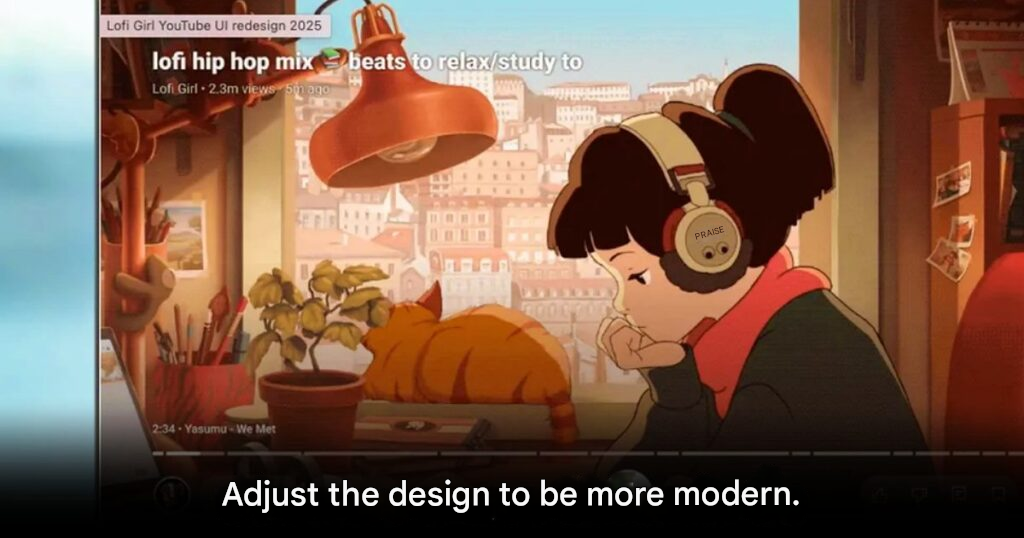
This update is not a complete overhaul but a thoughtful refinement of the existing interface. Google first showcased this new design earlier this year during YouTube’s 20th anniversary, and the version now rolling out remains very close to that original preview. The focus is on smoother navigation, cleaner visuals, and better readability on large displays.
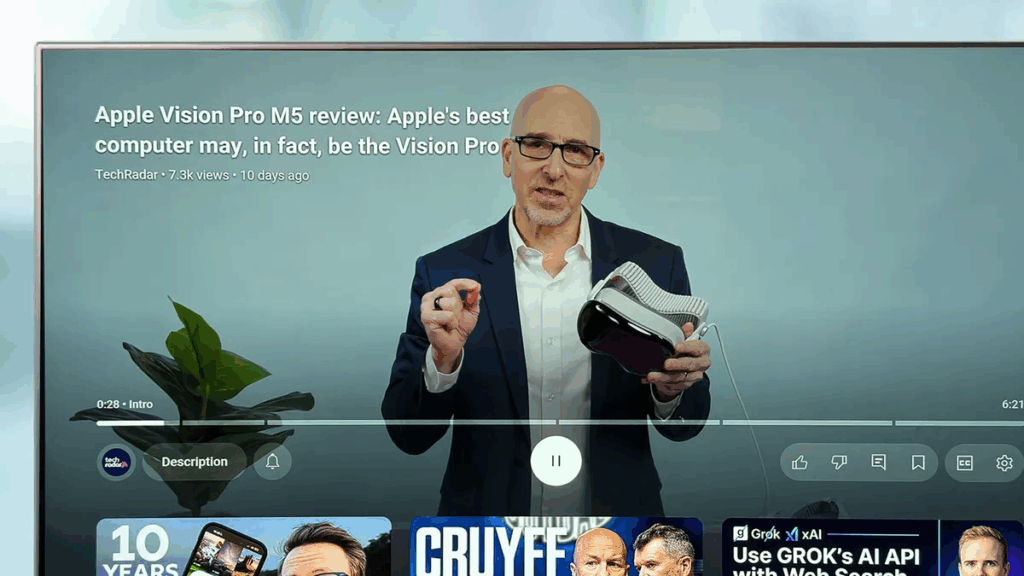
One of the most noticeable changes is the relocation of the video title to the top-left corner of the screen instead of placing it inside the main control bar. A dedicated Description button has also been added, allowing viewers to access video details instantly without cluttering the screen. These subtle changes help the player feel more organized and visually balanced.
Streaming Style Controls Take Center Stage
Another key improvement is the clearer presentation of playback controls such as play, pause, fast forward, and rewind. These buttons now stand out more clearly, making YouTube on TV feel closer to traditional streaming apps. The Subscribe button is now permanently visible and can adapt based on content type, including paid content indicators or a Notify Me option for upcoming live streams.
For selected content types such as live sports, the new interface introduces Multiview support, allowing viewers to watch multiple streams at once. Meanwhile, YouTube Music and YouTube Premium users gain access to a new Display Mode menu, making it easier to use platform-specific features directly from the TV interface.
A Small Change That May Take Time to Adjust
Not all feedback has been positive. The behavior of left and right buttons on TV remotes has changed. Previously used for skipping through videos, these buttons now bring up interface menus instead. While this is not a major issue, it does require viewers to adjust their muscle memory and get used to a slightly different control flow.
This redesign shows YouTube taking its big-screen audience more seriously than ever, and while some control changes may feel unfamiliar at first, the cleaner layout and streaming-style polish are clear steps forward for long-term TV viewing comfort.
Origin: 9to5google